
January Marketing Ideas 2027: Promotions, Social Posts & Ad Examples
A good January promotion gives customers a first step they can take this week. Sell a drawer organizer that fits a space they can measure, offer a first class they can book in two taps, or give a team a template it can use at its next meeting.
Use these New Year marketing ideas to pick one offer for your small business. Start with five worked campaigns with ad copy and social posts, or browse ten more ideas for January. The four-week plan shows how to launch, answer customer questions and encourage a second visit or purchase.
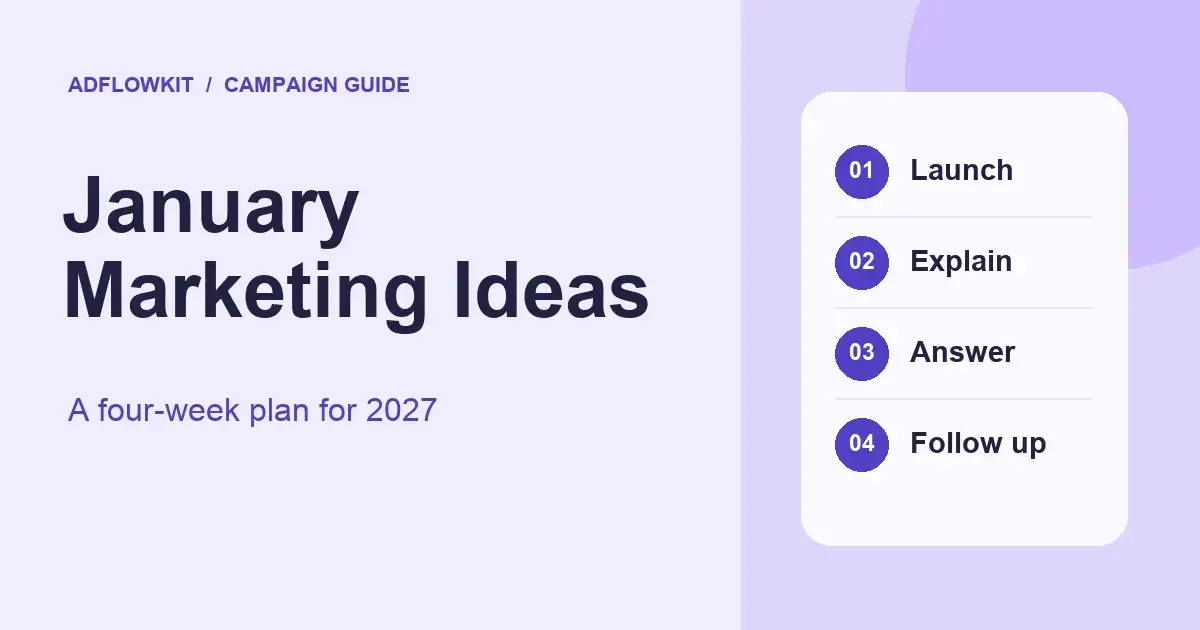
Choose your January campaign
Start with the action that would make January worthwhile for your business. If December brought in new customers, give them a reason to buy again. If your calendar has open appointments, show the first visit and let people choose a time. If a team needs to try your software before paying, give them a task they can complete in one session.
- Sell a product. Bundle two items customers need for the same job. Measure orders and margin after the bundle cost.
- Win a repeat purchase. Send December buyers an offer for a useful add-on or replenishment. Exclude customers who already bought it.
- Fill appointments. Offer a clearly priced first visit with live availability. Count bookings and completed visits.
- Start a subscription. Show one workflow a new user can finish and track how many trial users actually finish it.
Write the offer in one sentence before designing anything. For example, “Choose a 30-minute bike tune-up assessment and get a written repair estimate.” That gives you a headline, a booking-page promise and a clear event to measure.
A four-week January 2027 marketing calendar
New Year’s Day falls on Friday, January 1, and Martin Luther King Jr. Day falls on Monday, January 18. Use January 1–3 to confirm hours, check stock and test the destination. The four Monday–Sunday campaign weeks run January 4–31. See our full 2027 US marketing calendar.
January 4–10
Week 1 · Launch the offer
Send one launch email, pin the offer on your main social channel and run the clearest banner. Use the same offer name and CTA on the landing page. For the drawer kit, show one open drawer and invite people to check the sizes.
January 11–17
Week 2 · Show how it works
Demonstrate one step the customer can picture doing. Film how to measure the inside of a drawer, then put the same measurement guide beside the product selector.
January 18–24
Week 3 · Answer the hesitation
Look at support questions and sales conversations. If shoppers keep asking whether the trays slide around, show how they fit and explain how to exchange the wrong size.
January 25–31
Week 4 · Follow up after the sale
Send buyers a setup tip and one relevant next step, such as organizing the drawer beside the first one. Retire deadline copy and pause expired ads when the offer ends.
For January 18: Check staffing, shipping and approval coverage. If your business is involved in a local service project, share who is organizing it and how people can take part. Keep the sales offer separate from the observance.
Coming out of December? Confirm that holiday ads, delivery promises and expired codes are off before directing December buyers to the January offer. See the after-Christmas and New Year ad examples for creative that bridges the two campaigns.
Five January promotion ideas with ad and social copy
Each example gives the customer a concrete first step. The offers and banners are illustrative. Adapt the copy to your actual inventory, prices and availability.
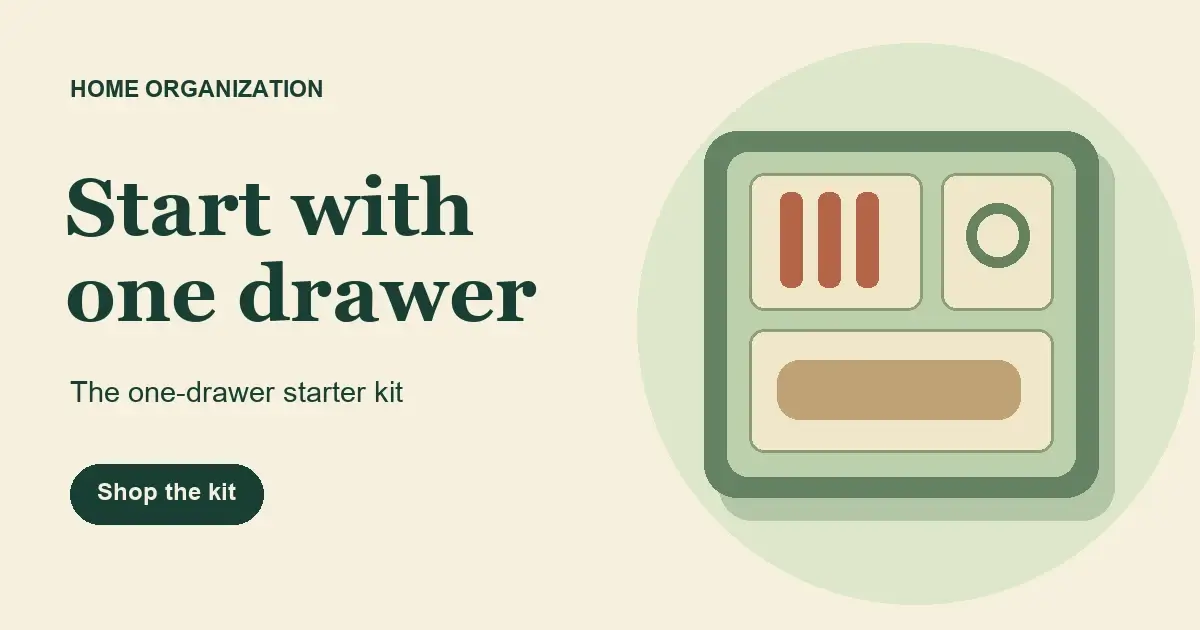
1. Ecommerce · Sell a one-drawer starter kit
Bundle a few organizer trays for a small, recognizable job. On the product page, show the kit contents, inside-drawer measurements and a photo of the layout. A shopper who can picture the fit has a concrete reason to choose a size.
Ad headline: Start with one drawer.
Ad text: Organize the drawer you open every morning. Pick a kit by its inside width.
CTA: Shop the kit
Social caption: Set a timer for ten minutes. Empty one drawer, measure the inside and put back the things you reach for every day. See the kit sizes before you order.
2. Fitness · Make the first class easy to book
Promote one beginner-friendly session and list the duration, location, equipment and total price next to the booking button. Follow up with attendees after class with a link to the next session. See more January fitness offers and gym ad examples.
Ad headline: Your first strength class.
Ad text: Learn three lifts in a 45-minute small-group intro. Equipment is provided.
CTA: See class times
Social caption: What happens at your first strength class? We start with a warm-up, walk through three lifts and leave time for questions. Check the January schedule.
3. Education · Let learners try a project
Offer a short sample lesson that ends with something the learner can use. For a spreadsheet course, show the finished budget tracker and list the software needed, lesson length and what comes with the paid course.
Ad headline: Build your first budget tracker.
Ad text: Try a 20-minute spreadsheet lesson with a starter file and sample data.
CTA: Try the lesson
Social caption: What did you spend on groceries this week? Enter three purchases in the sample sheet and watch the total update. The free lesson walks you through it.
4. Local services · Fill a specific appointment slot
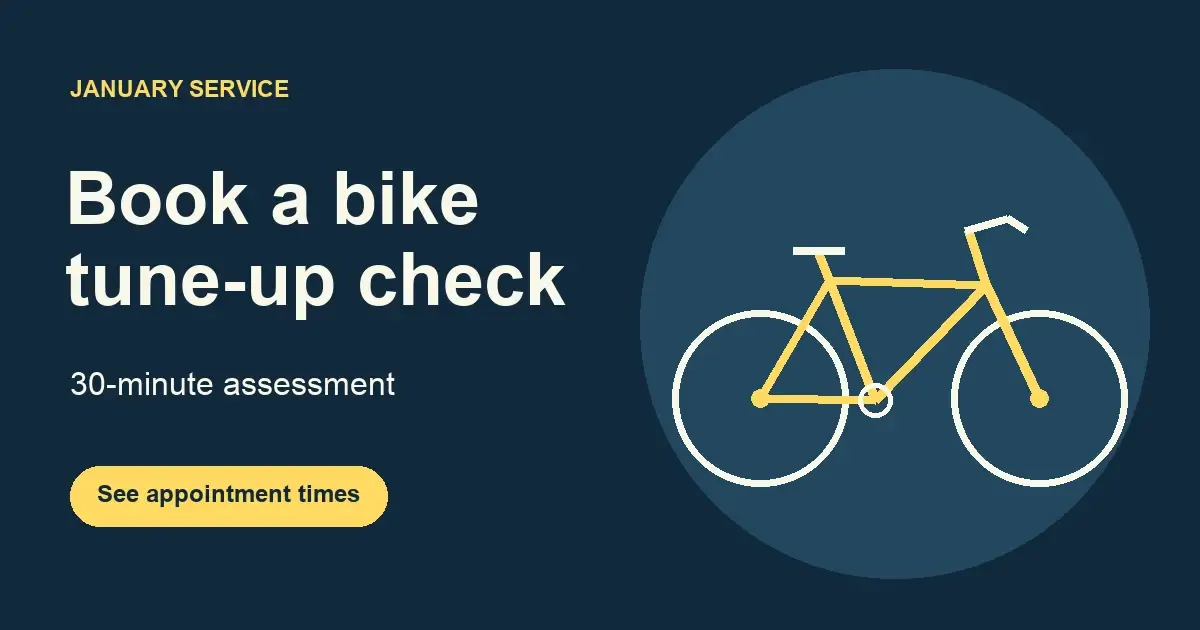
A bike shop can promote a 30-minute tune-up assessment during its quietest weekday hours. The booking page should say what the assessment covers, what it costs and when the customer can expect an estimate. Show actual openings.
Ad headline: Book a bike tune-up check.
Ad text: Bring your bike in for a 30-minute assessment and leave with a written repair estimate.
CTA: See appointment times
Social caption: Hear a squeak when you brake? Tell us when it happens and bring the bike in for a check. See which weekday appointments are open.
5. B2B and SaaS · Give the team a useful Q1 template
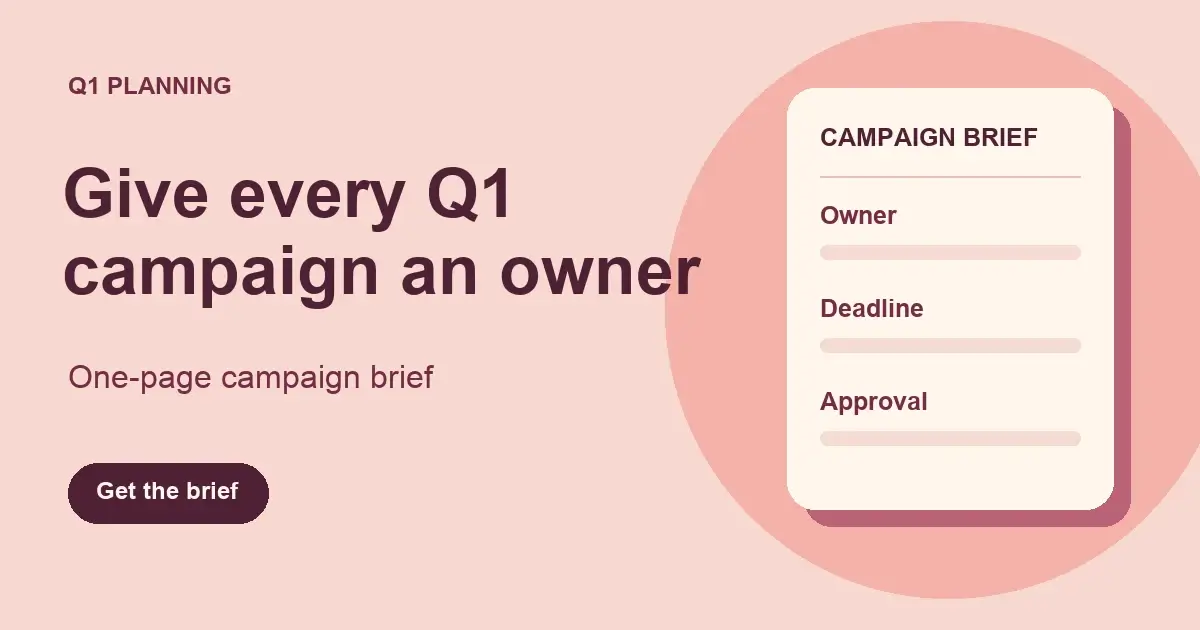
Offer a campaign brief that assigns an owner, deadline and approval step to every project. Show a filled-in example before asking a visitor to download it. If you also offer a software trial, use the first onboarding email to walk the team through adding one live campaign.
Ad headline: Give every Q1 campaign an owner.
Ad text: Get a one-page brief with fields for owners, deadlines and approvals, plus a completed example.
CTA: Get the brief
LinkedIn post: Open your Q1 plan and pick one campaign. Can everyone see who approves the creative and when it’s due? Put those two fields in the brief before your next kickoff.
10 more January marketing ideas
Pick an idea that fits your audience and what you can deliver this month. Give the post, email or banner one action people can take.
Campaigns you can run in January
- Gift card redemption. Email a “What can I get for $50?” guide with three items that fit the balance. Link straight to the collection.
- Alcohol-free menu flight. Put three zero-proof drinks on a tasting menu. Post the ingredients and price, then link to January reservations.
- Plant-based meal sampler. Offer three weeknight meals in one pickup box. Show the portions and ingredients and give customers a pickup window.
- Winter clearance. Build a page for remaining seasonal stock. For apparel, list in-stock sizes so shoppers can see whether the sale applies to them.
- Repair-and-care clinic. Invite December buyers to bring back a gift for a fitting, setup or care demo. Give them a calendar link with available slots.
- Replenishment reminder. Show customers how to tell when a filter, refill or other consumable needs replacing. Link them to the matching part.
- Privacy walkthrough. Show customers where to download their data or change email preferences in a short screen recording. Link directly to the settings page.
February campaigns to prepare in January
- Lunar New Year, February 6. If you already serve customers who celebrate, ask community partners which traditions are relevant to your offer. A bakery can open preorders for an item it makes for the occasion and show the pickup window.
- Valentine’s Day, February 14. Open a preorder list for bouquets, gift sets or tables. Ask customers to choose a pickup or reservation time early.
- Big game, February 14. Offer a game-day pickup menu with portions and order cutoffs. If you also take Valentine’s bookings that Sunday, give each offer its own page and pickup or reservation slots.
Build a small set of New Year ad creatives
Start with the same offer in three messages. Lead with the benefit for the launch, show the product or service in use in week two, and answer the most common question in week three. Adapt each message to the placements you actually plan to buy.
- Write the brief. Include the audience, approved headline, CTA, real logo, brand colors and the offer terms. For a background idea, see our New Year AI image prompts and banner prompt guide.
- Build the first layout. In AdflowKit, use the brief to create a banner concept, then review the headline and CTA in the editor. See the worked AdflowKit example for a documented editing and export workflow.
- Check each format. Use the Google Display banner sizes and Meta ad sizes guides to choose formats. Preview the smallest one at its actual size and check the crop, text and offer.
- Click through on a phone. Verify that the ad, page and checkout or booking form use the same terms. Try an unavailable size or time slot and make sure the page shows a useful next step.
Measure the campaign and test one headline
Pick one outcome before launch. Use completed orders and contribution after variable costs for retail, attended appointments for local services, or activated trials for software. Define an activated trial as a meaningful product action, such as creating and assigning a first campaign.
For the drawer kit, test “Start with one drawer” against “Find a kit that fits your drawer.” The first headline makes the task feel small. The second addresses uncertainty about fit. Keep the illustration, CTA, audience and landing page the same, and use a randomized split where your platform supports it. Compare purchases and cost per purchase. Click-through rate can help explain the result, and a small number of purchases may leave the test inconclusive. See our ad creative A/B testing guide.
If you get clicks but few orders, check the page for missing dimensions, unexpected shipping costs or an out-of-stock option before making another banner. For the repeat-purchase campaign, compare the proportion of eligible December buyers who order again within the same follow-up window. Where practical, use a holdout group to estimate how much the offer added.
Frequently asked questions
When should a January 2027 campaign start?
Prepare the page and creative in December. Monday, January 4, is a practical launch date if you need staff available for fulfillment or appointments. Launch earlier if your offer and customer support are ready.
What can a small business promote in January without a sale?
Try a project bundle at its regular price, a first visit with a clearly defined service, a sample lesson or an onboarding template. Show what the customer can do with it in the first week.
What should I post on social media in January?
Post a launch announcement, a demonstration, an answer to a common question and a follow-up tip. For a bike shop, those could be January booking times, a short video showing what the assessment covers, an estimate FAQ and a basic maintenance checklist.
Calendar sources and example credits
- New Year’s Day and Martin Luther King Jr. Day. U.S. Office of Personnel Management’s 2027 holiday schedule.
- Lunar New Year. Hong Kong Observatory’s 2027 Gregorian–Lunar Calendar (PDF).
- Super Bowl LXI. NFL’s 2026 season kickoff guide.
The AdflowKit editorial team wrote the sample offers and designed the three banner concepts for this guide.